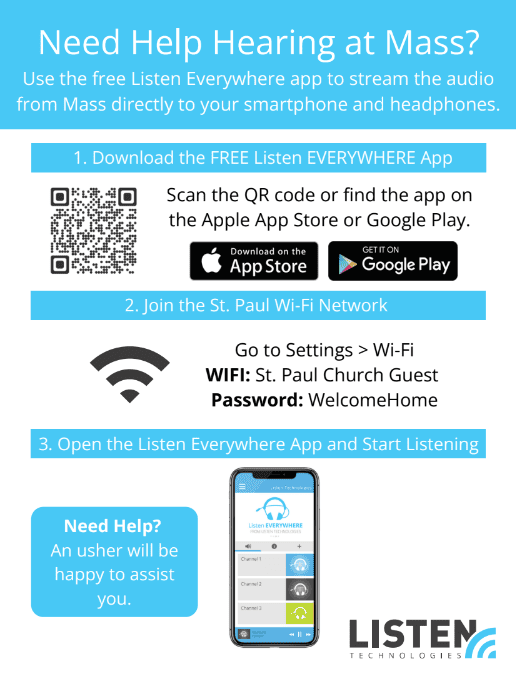
Need Help Hearing at Mass?
Stream the audio directly to your smartphone and headphones with the free Listen Everywhere app.
1. Download the Listen Everywhere App
2. Join the St. Paul Wi-Fi Network
Go to Settings > Wi-Fi on your phone and connect using:
Network: St. Paul Church Guest
Password: WelcomeHome
3. Open the app and start listening
Choose a channel and plug in your headphones to hear the Mass clearly, wherever you’re seated.
Look for Channel 1 in the app’s channel list, tap it, and adjust the volume to your comfort.
Thanks for Listening!
If you need further assistance, please see an usher during Mass.