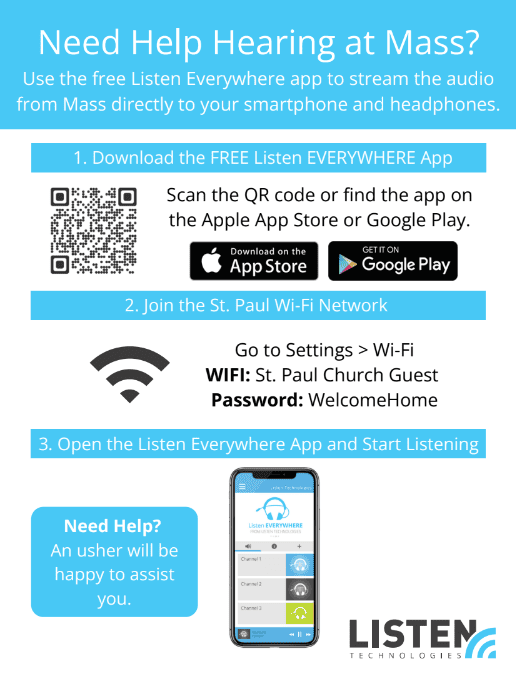
Need Help Hearing at Mass?
Stream the audio directly to your smartphone and headphones with the free ListenWIFI app.
1. Download the ListenWIFI App
2. Join the St. Paul Wi-Fi Network
Go to Settings > Wi-Fi on your phone and connect using:
Network: St. Paul Church Guest
Password: WelcomeHome
3. Open the app and start listening
Choose a channel and plug in your headphones to hear the Mass clearly, wherever you’re seated.
Look for Channel 1 in the app’s channel list, tap it, and adjust the volume to your comfort.
Thanks for Listening!
If you need further assistance, please see an usher during Mass.